Getting started
Install nightwright from this checkout (or a clone of it). PyPI’s package named nw is a
different tool — if nw --help talks about static sites (init / build), you have
the wrong binary.
Install
git clone https://github.com/brunosmmm/nightwright.git && cd nightwright
uv sync                       # .venv + base deps
uv run nw --help              # verify: idea, report, projects, …
uv tool install --editable .  # put nightwright on PATH
Install editable: nw skills install, internal specs and the Meta-Tools research root
all resolve from this checkout, and a git pull takes effect without reinstalling. For a
non-editable install, set nw_checkout: /path/to/nightwright in config.yaml; otherwise those
commands stop with a hint saying so.
Then run nw doctor (add --fix-hints for the commands that fix each finding). It checks
the tools, config, skills, completion, the agentic queue and each project's .nw/project.yaml
without writing anything; --json prints nw.doctor.v1, and it exits 1 when a check fails.
Config and data live under XDG (~/.config/nightwright/, ~/.local/share/nightwright/), not in the repo.
Optional completion:
nw completion install --shell fish # or bash / zsh
Pick a first path
Path A — capture and ship a thought
nw idea "short thought"
nw ideas
nw next
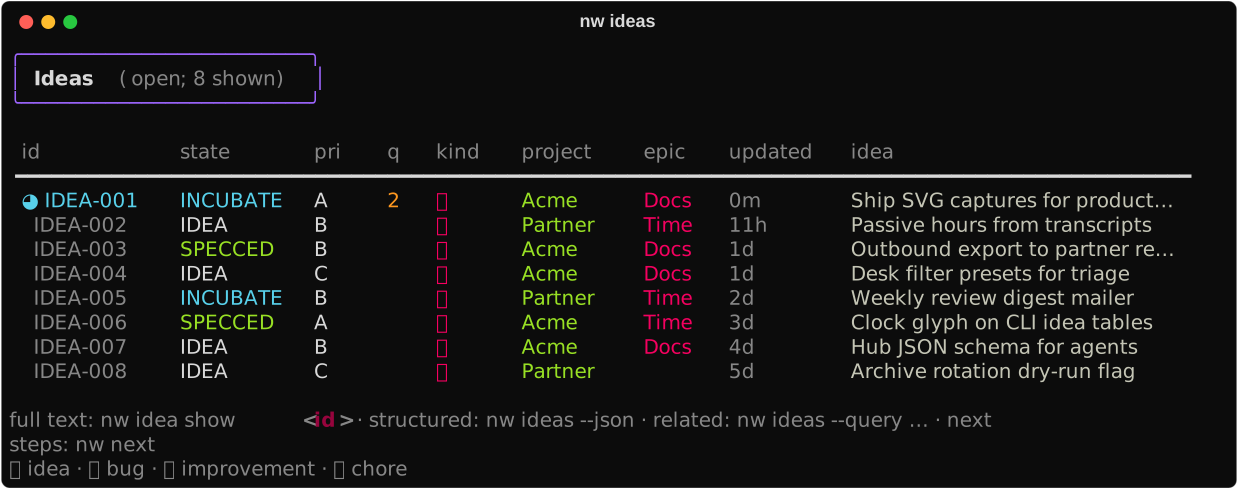
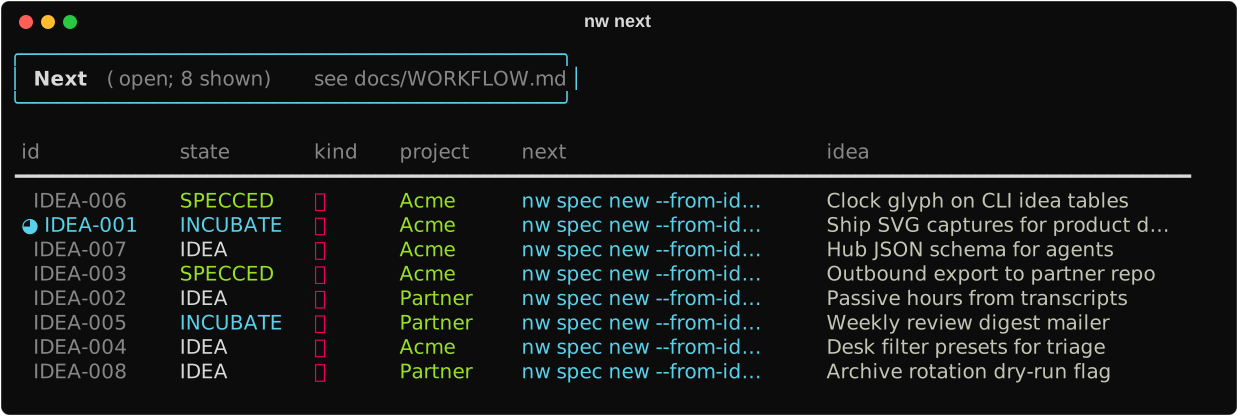
How the file looks: Org-mode storage. Full mini-spec loop: Idea → ship (accept → build → verify). Another repo: Outbound.
Path B — agent / automation
nw skills install
nw ideas --json
nw hub --json
nw next --json
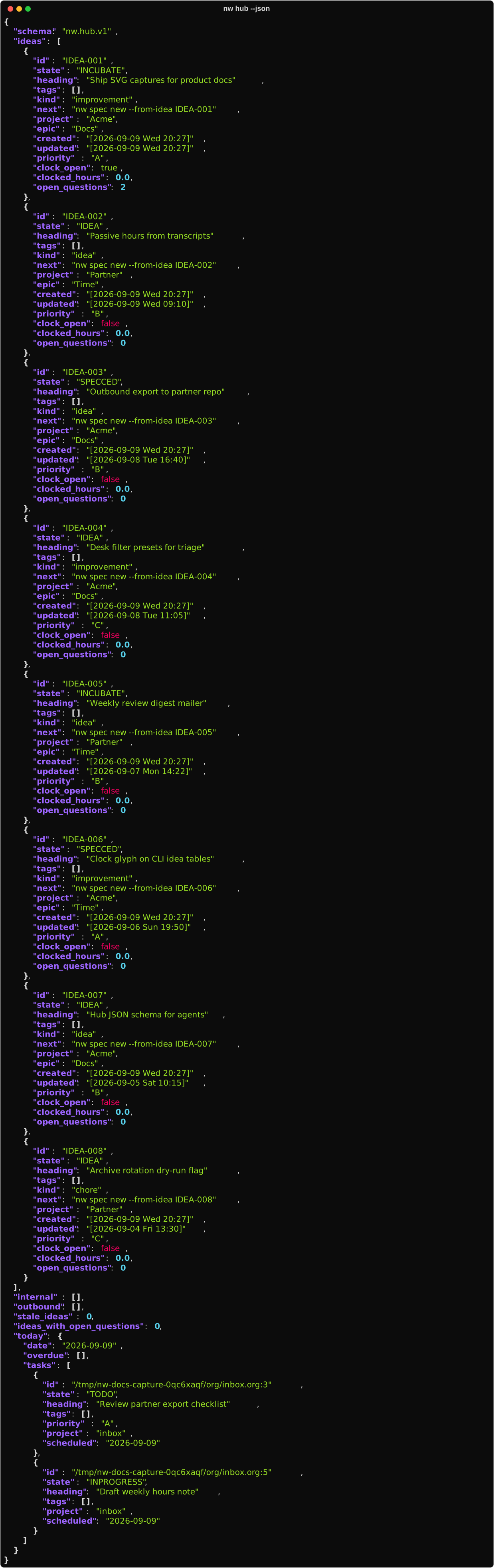
Install skills, then use /nw-orient (or the skill that matches your step) in Cursor/Claude.
Claim done with /nw-verify. Full catalog: Agent surface.
Humans can stay on the CLI or open nw tui (Desk).
Path C — see your hours
nw                                     # today + this week
nw report --week
nw topics --unmapped
nw map <base-topic> bucket=Acme
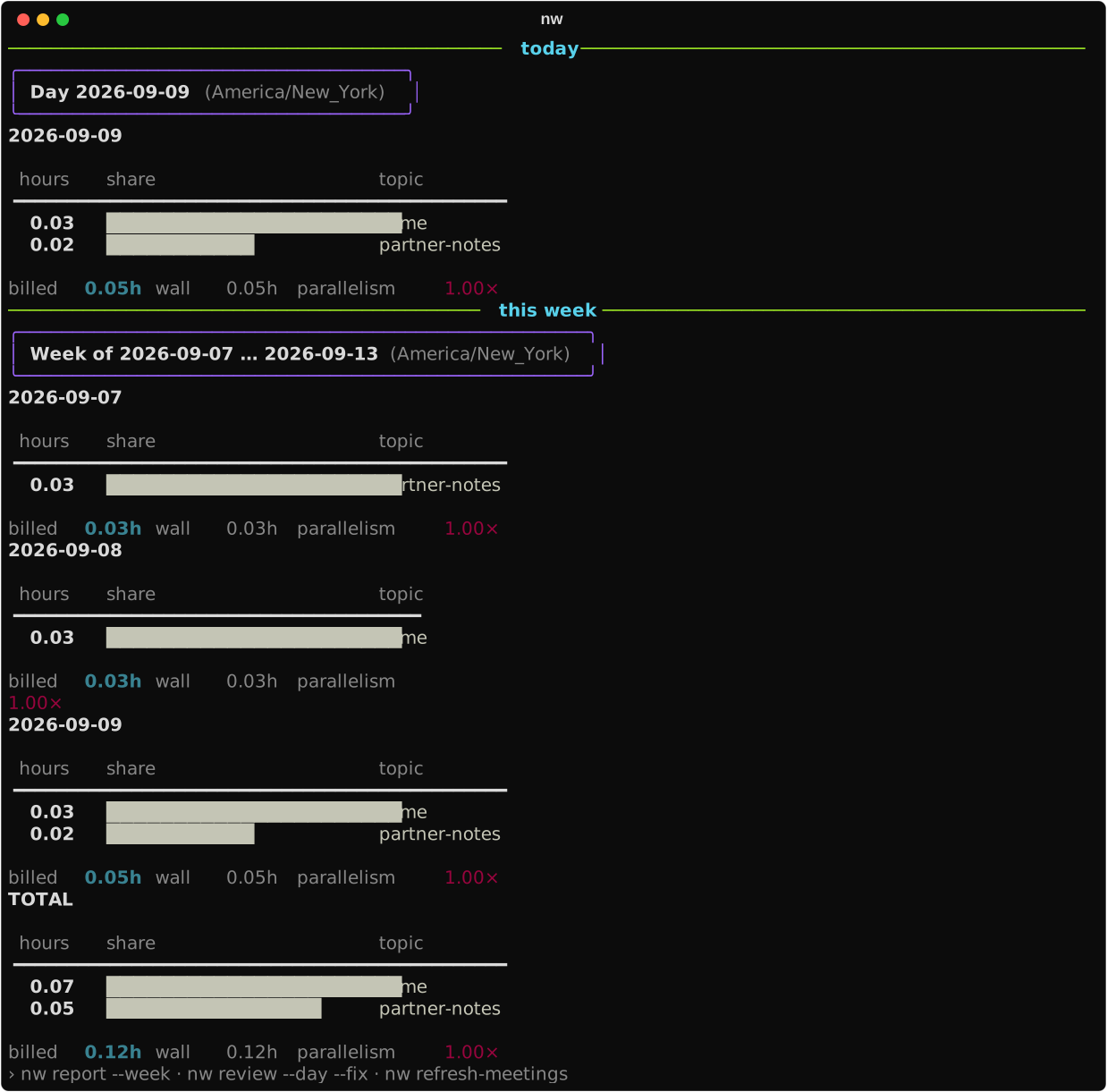
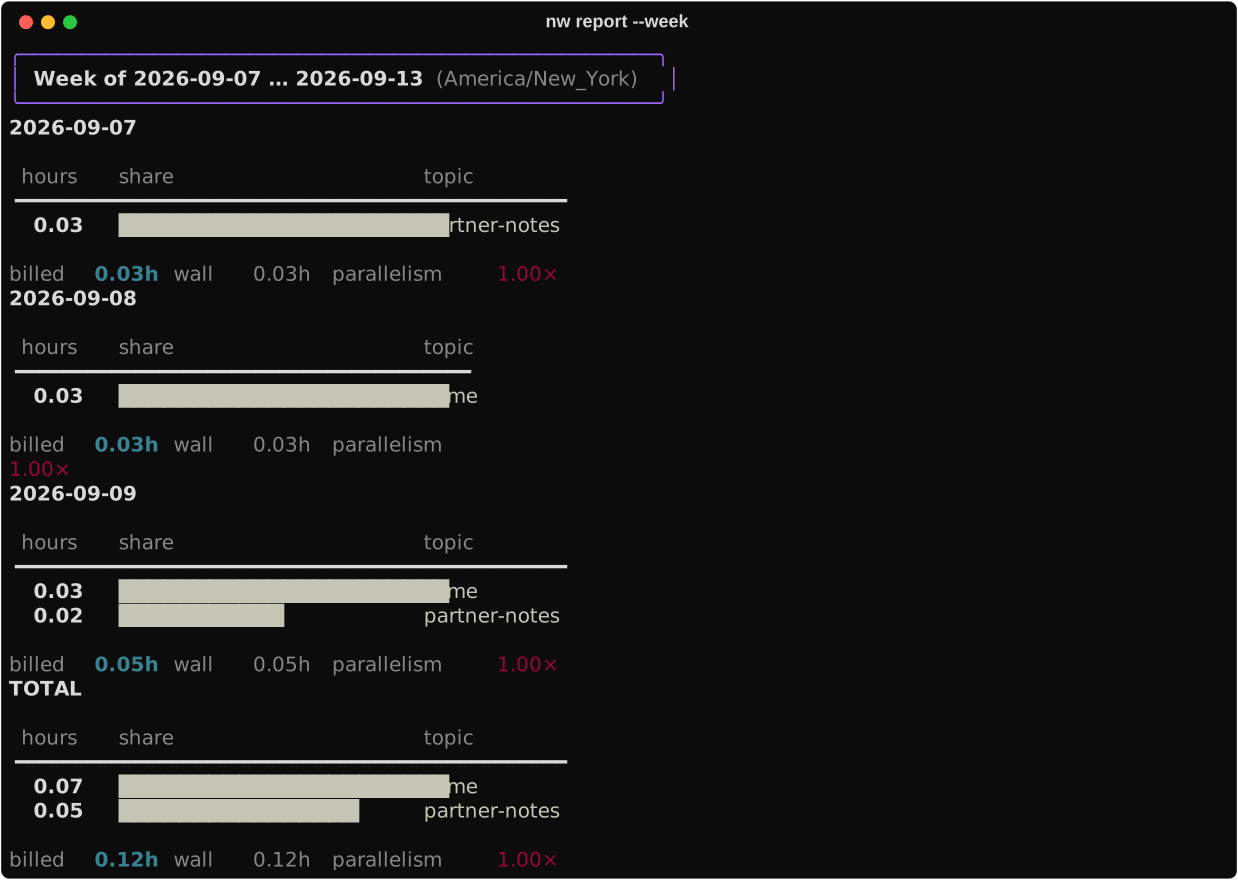
Deeper loop: Track time and Weekly ops.
Day one habit
Once install works, prefer the operating guides over one-off commands:
- Idea → ship / Outbound — governing spec → verify
- Daily ops — agenda → tasks → next/hub → light report
- Weekly ops — map unknowns → review → snapshot → close loops
Architecture overview: Workflow architecture.